
Create a new MentDB user (different for website connection) @ ADMIN - Administration @ MentDB Weak
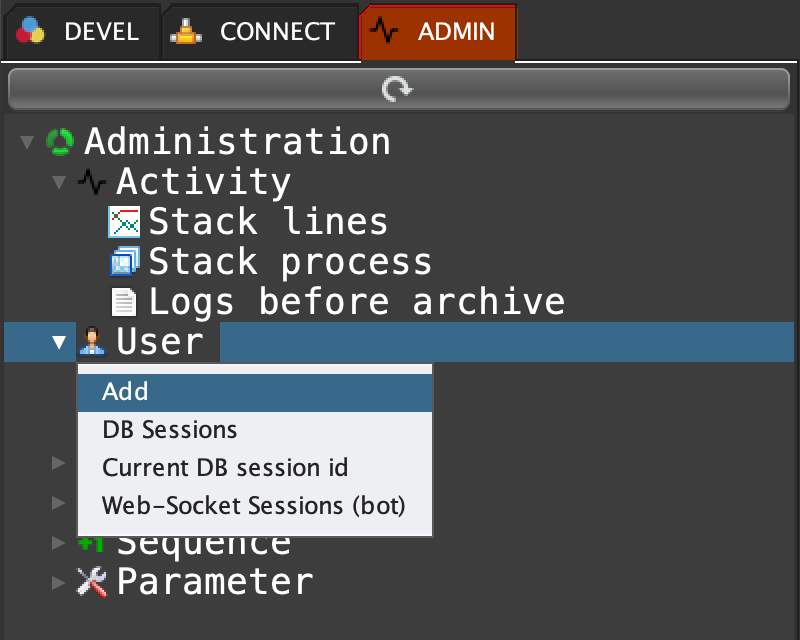
Click on the ADMIN tab, right click on 'User' and select 'Add' ...
MQL input
user create "<<<login>>>" "<<<password>>>";
MQL input
user create "bob" "123456";
MQL output
"User bob created with successful (BNkLGJB6SsKtjpYonwIPCaWQ)."'BNkLGJB6SsKtjpYonwIPCaWQ' is the synchronous encrypted session key. Use it into your MentDB connections ...