
Create web application @ DEVEL - Development @ MentDB Weak
MQL input
#Copy the current default template web application; script copy all "app.100.template.default" "app.100.template.test_app";
MQL output
"1"Click on 'DEVEL' tab, open 'Application', right click on 'http' or 'https' and select 'Create application'
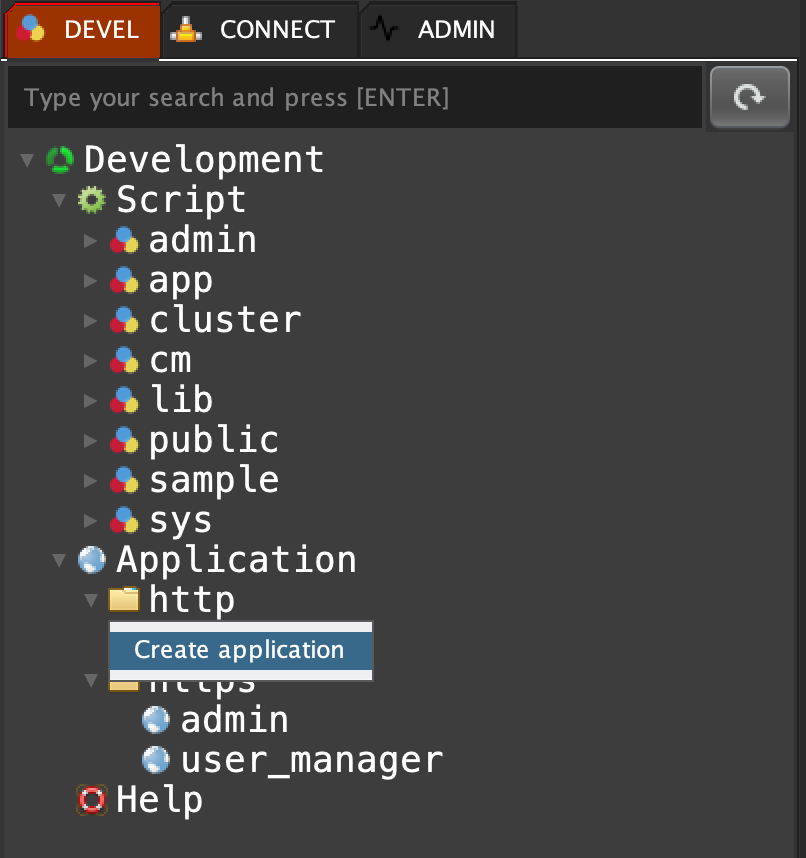
MQL input
app create "http" "demo" "default" "100";
MQL input
app create "http" "demo_test_app" "test_app" "100";
MQL output
"Application created with successful."Click on the refrech button :

Open the MentDB Weal portal 'https://localhost:9999/' (force the certificate by default)
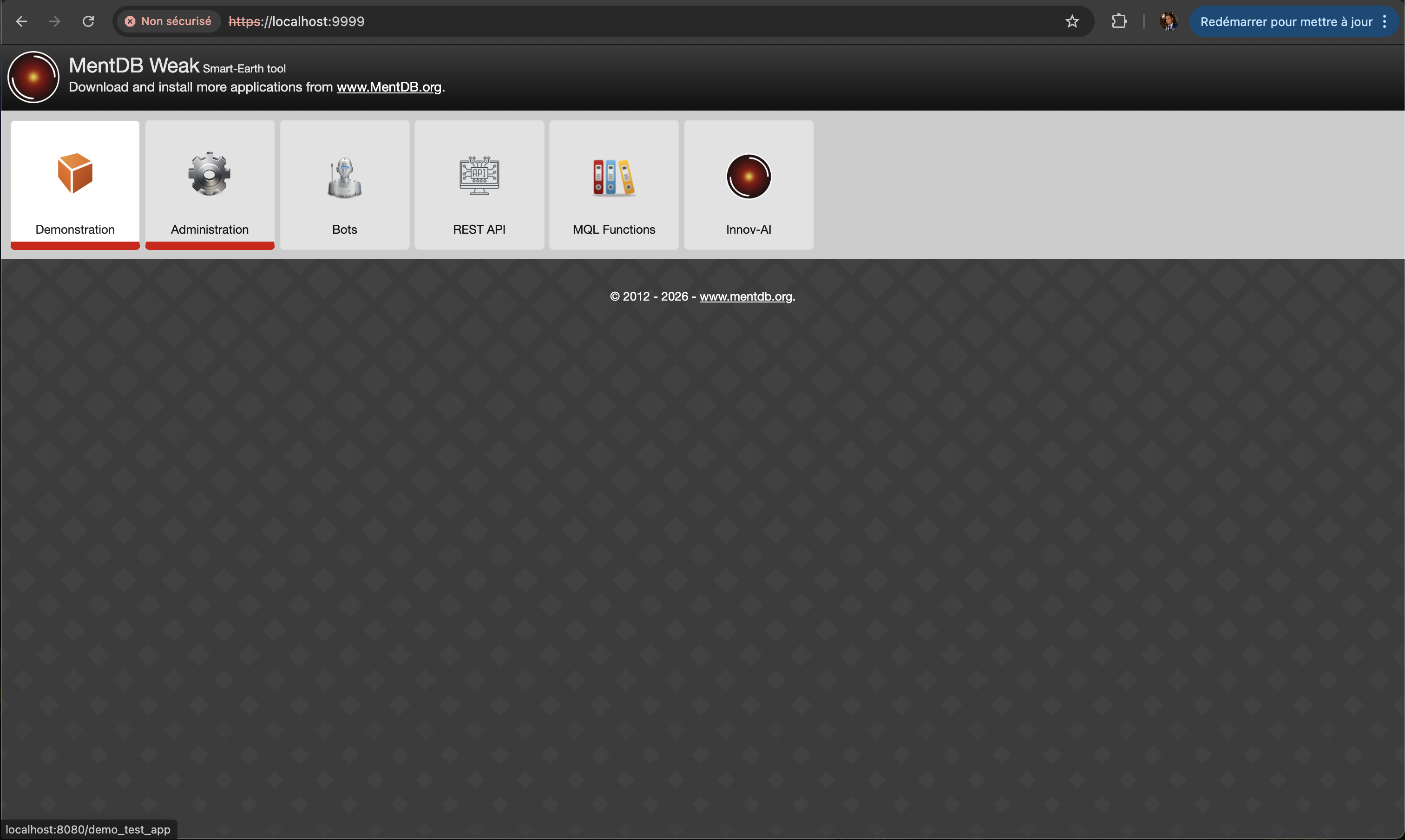
Click on the new application 'Demonstration'
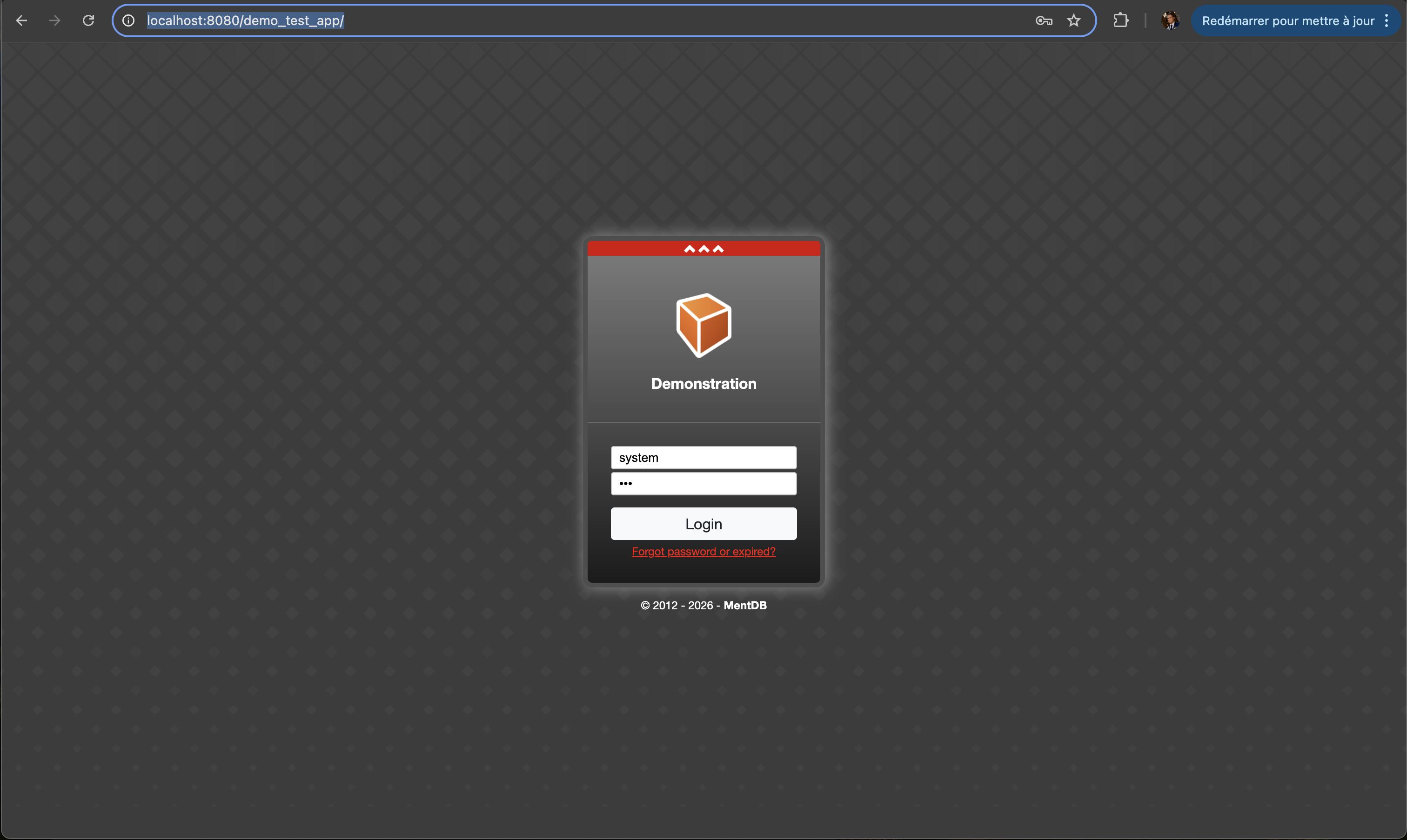
Connect with the default login: system/pwd